What we know
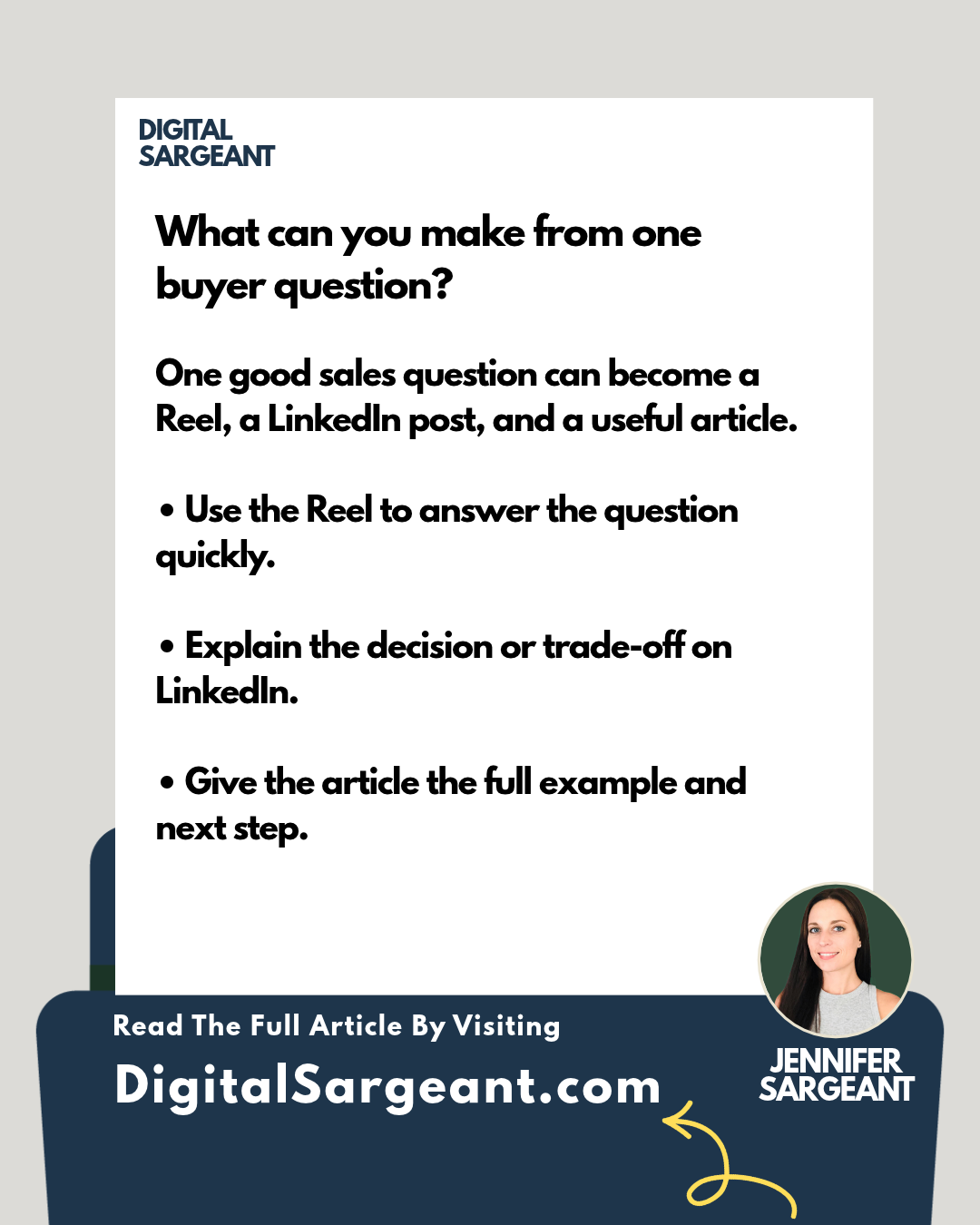
The same buyer question can work across three formats because each gives you room to explain something different. Use a Reel for the quick answer, LinkedIn for a decision the buyer needs to make, and your website for the full example. For conference promotion, the Reel could explain where to start, the LinkedIn post could show how travel approvals affect timing, and the article could give the organizer a sample timeline.
In HubSpot’s 2026 survey of more than 1,500 marketers, 48.6% named short-form video among the formats that generated their biggest return, and 22.3% named blog posts. Those are shares of survey responses, so they don’t tell you how much money each format returns. They give you a reason to make room for both: use the Reel for the quick explanation and give the fuller answer a page your sales team can share. HubSpot’s 2026 State of Marketing survey
The Reel. Open with “Your conference promotion timeline starts with your registration deadline.” In the next 30 seconds, explain three checkpoints: when the audience needs to know the event exists, when they need a reason to register, and when reminders matter. Put the actual question on screen so viewers immediately know why they should keep watching.
The LinkedIn post. Focus on the decision someone on the event team has to make. For example, ask whether the audience can register on their own or needs travel and manager approval. Explain how that changes the timeline, then share one thing the team can agree on this week.
The article. Give the full answer. Include a sample timeline for a regional conference, call out the assumptions, and show how you’d change it for an event with a wider audience or longer approval process. Link to the relevant service page so someone planning an event can see how you help.
Give each format a reason to exist
The Reel delivers the answer quickly. The LinkedIn post invites a discussion around the planning decision. The article holds the detailed example people can share with their team. Google encourages helpful content written for readers and says the same SEO fundamentals apply to its AI features. Use the article to publish details you can stand behind and make it easy to access from relevant pages. Google Search Central on helpful content · Google’s AI features guidance
Check whether the content helps start a conversation
Use one destination for people ready to act. Track the article’s relevant searches in Search Console, clicks from social when you can attribute them, and bookings for the service you featured. If the article is cited in a web-enabled AI answer, save the question and the cited URL. Over time, look for the questions that consistently generate the conversations you want.
Use a real event to see how the formats fit
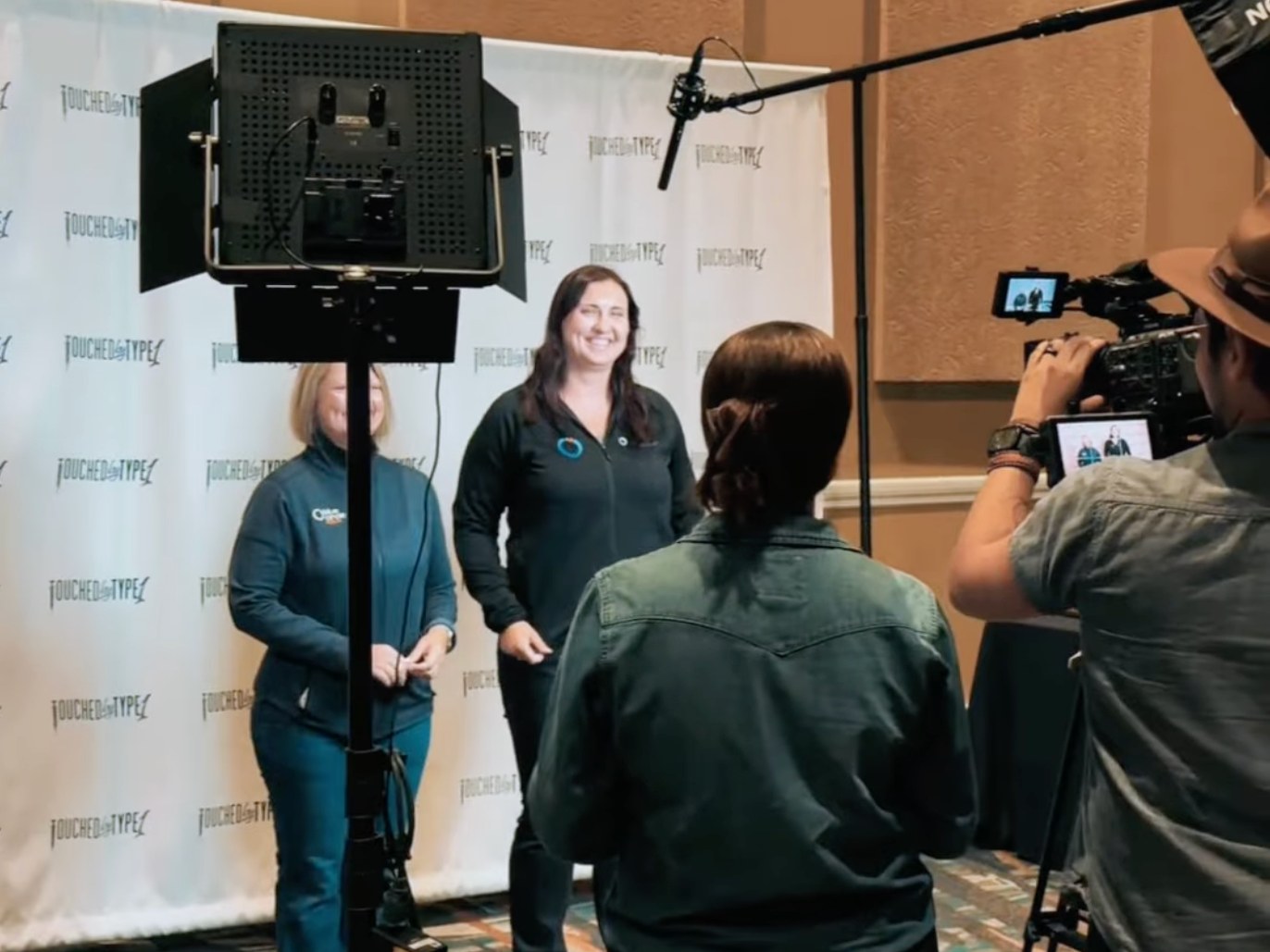
Touched by Type 1’s public Dancing for Diabetes event page pairs event information with a highlight reel that describes more than 450 dancers. I’d use that as a model of how to give different pieces of an event package a job. The video lets people see what the event feels like. The page gives visitors a place to find the event and take the next step. For an article about conference promotion, borrow that division of work and start with a specific planning decision.
Build a mini campaign around one answer
For a conference with registration closing September 30, start with the purchase decision. Make the Reel about what you need to publish early if attendees must get travel approved. Give the LinkedIn post an agenda-and-budget checklist an attendee could send a manager. Use the article to show a sample release sequence for the agenda, registration deadline, and reminders. State that the timeline is an example and explain what you’d change for a regional event versus one that needs travel.
Track where Google searchers arrive, whether the clips send visitors to the planning page, and whether event planners inquire. If social engagement is high but the article earns few visits, make the promised checklist or timeline easier to spot. If the strongest response is about manager approval, build your follow-up around that decision. Keep a record of citations when an AI answer links to a piece, and measure registrations or leads in the systems that actually record them.
If you’re doing the work to show up across several platforms and want to make each piece go further, bring me one question from a recent sales call. We’ll map out what I’d publish on social and what deserves a full page on your website.
Related articles: What Should Local Businesses Post on Social Media for AI Search? · How to Audit Your Local Business for AI Search Visibility